Introduction
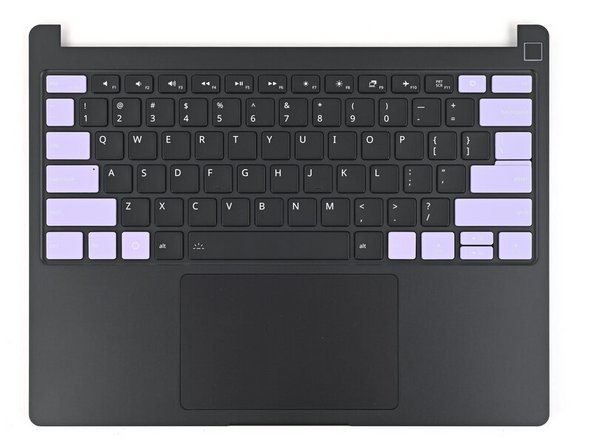
Use this guide to replace the Input Cover in your Framework 13 Laptop Pro.
Tools

Parts
No parts specified.
-
-
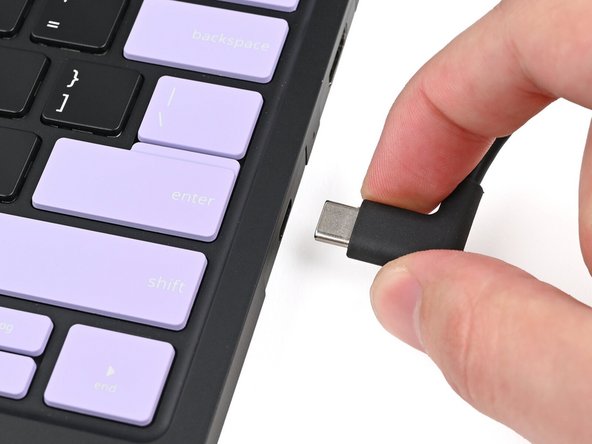
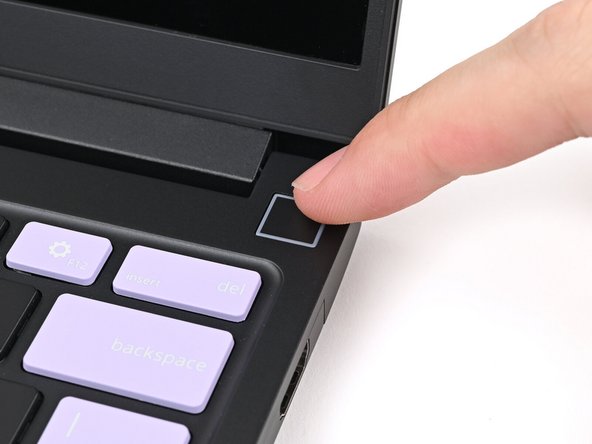
Unplug all cables and fully shut down your laptop from the OS.
-
-
-
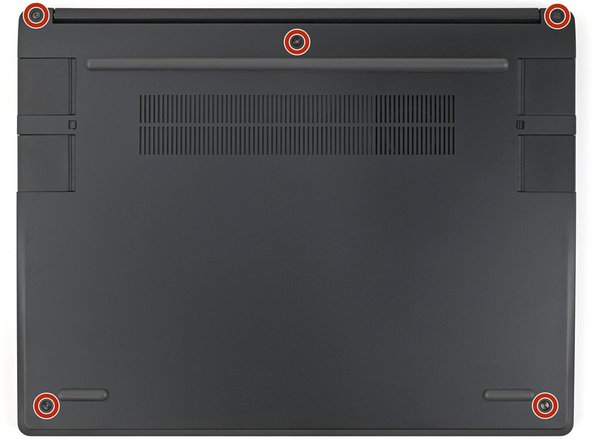
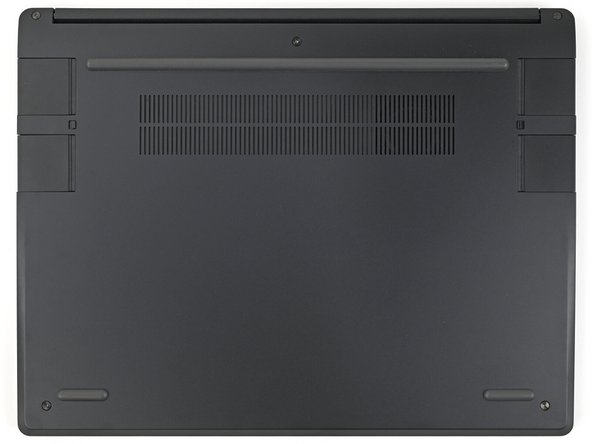
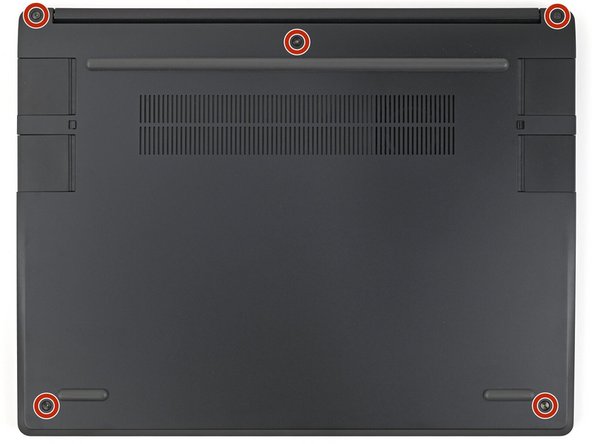
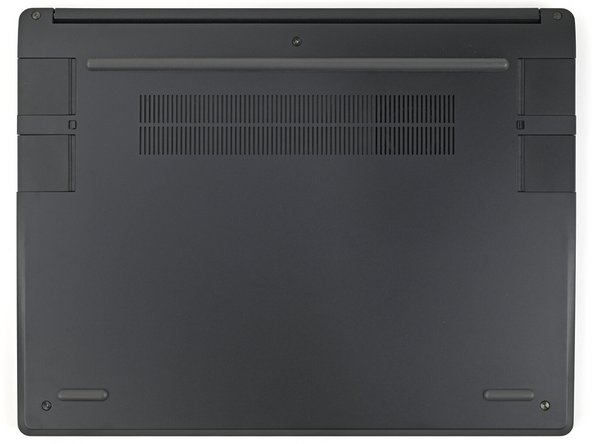
Use your Framework Screwdriver to loosen the five captive T5 Torx screws securing the Input Cover.
-
-
-
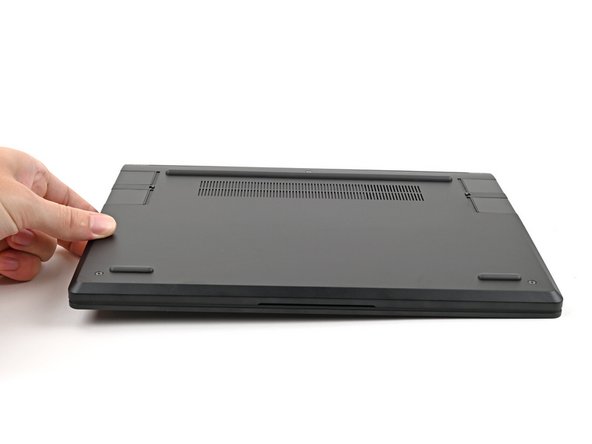
Flip over your laptop and open it.
-
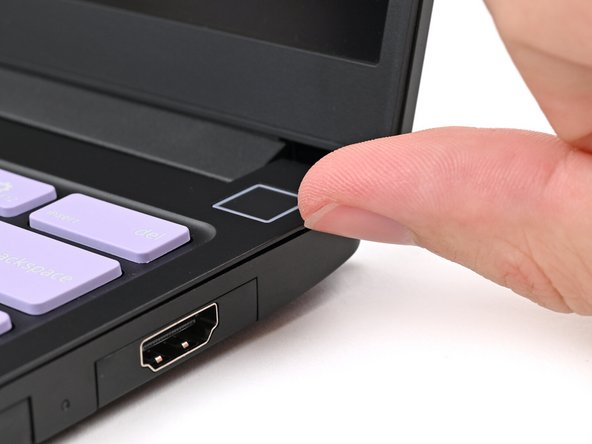
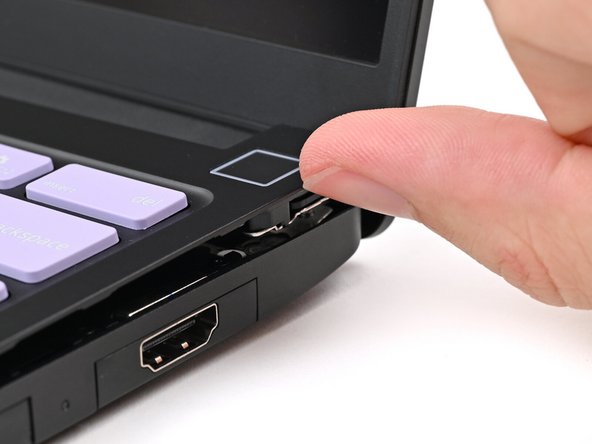
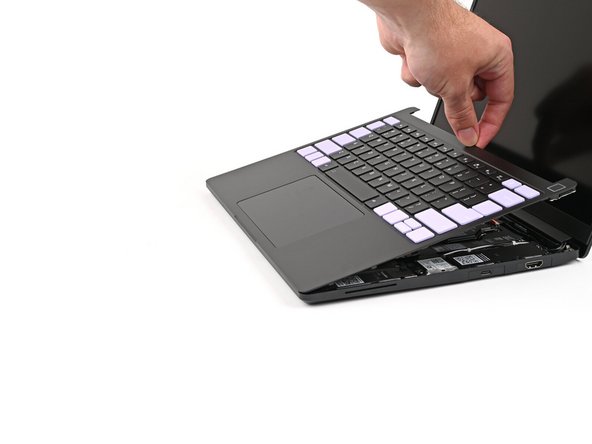
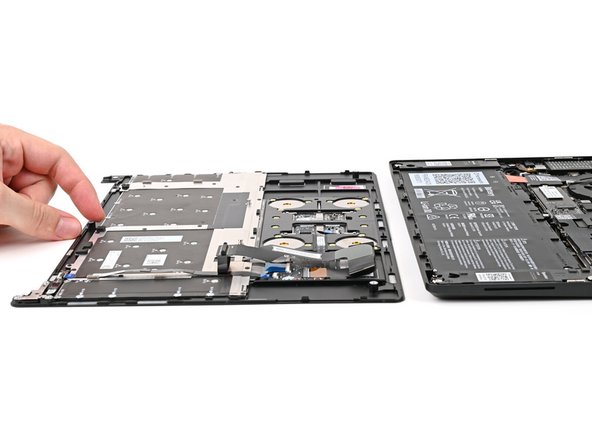
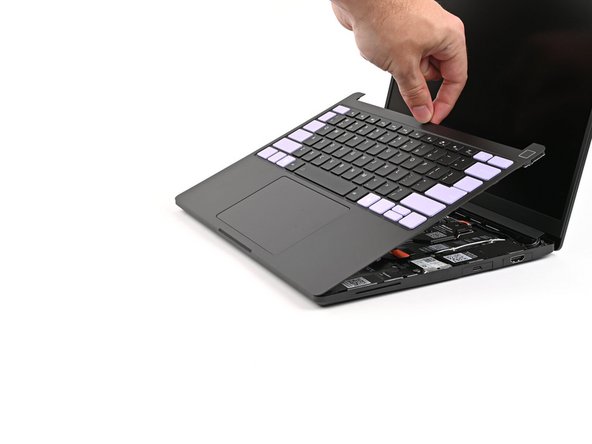
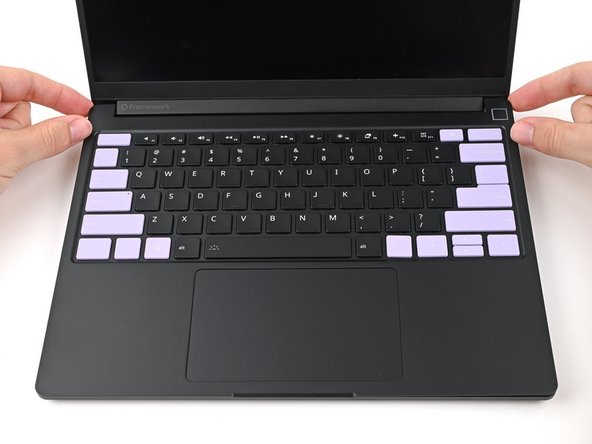
Use your fingers to lift the Input Cover up and release it from its magnets.
-
Don't fully remove the Input Cover yet, as it's still attached by the Touchpad Cable.
-
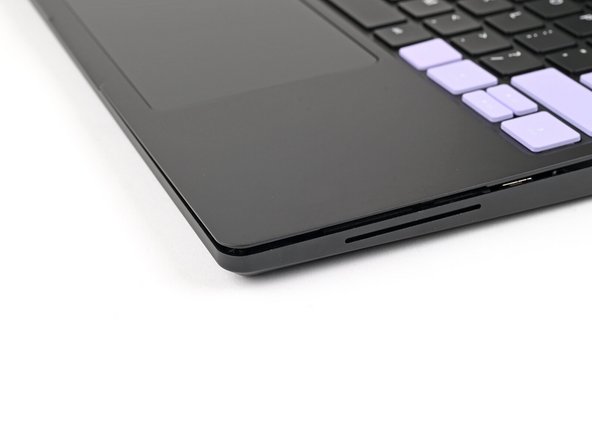
If you're having trouble lifting the Input Cover, you can leverage the gap at the bottom right corner to get your fingers fully under it.
-
-
-
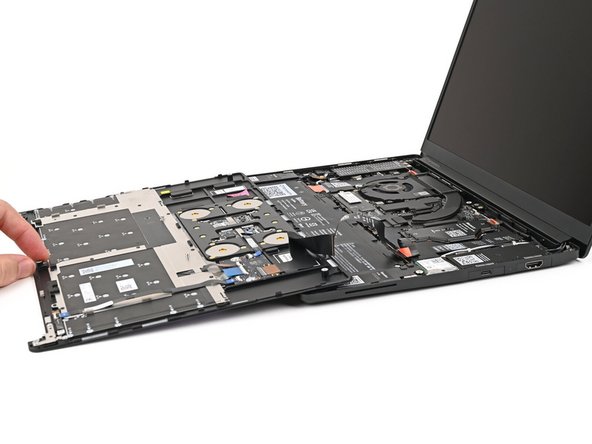
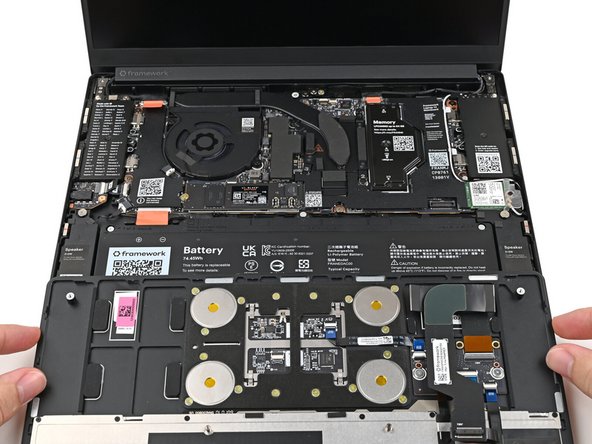
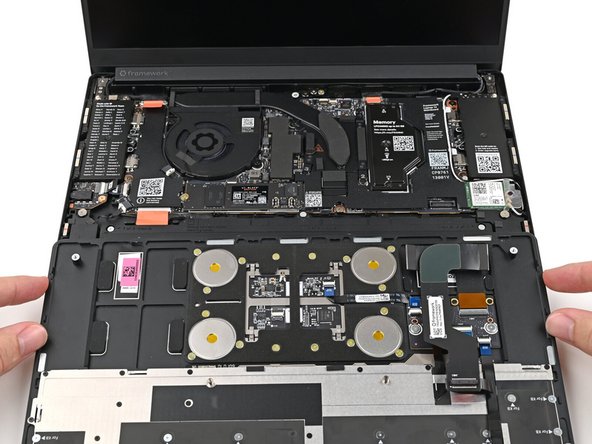
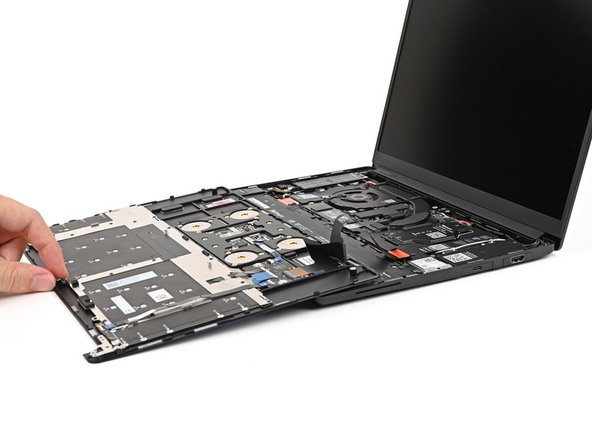
Flip the top of the Input Cover so the Keyboard is facing down.
-
Rest the Input Cover over the Battery, making sure the Touchpad Cable isn't being strained.
-
If the LEDs on the left and right sides of the Mainboard are flashing, then your laptop is still powered on. Make sure your laptop is completely powered off before continuing.
-
-
-
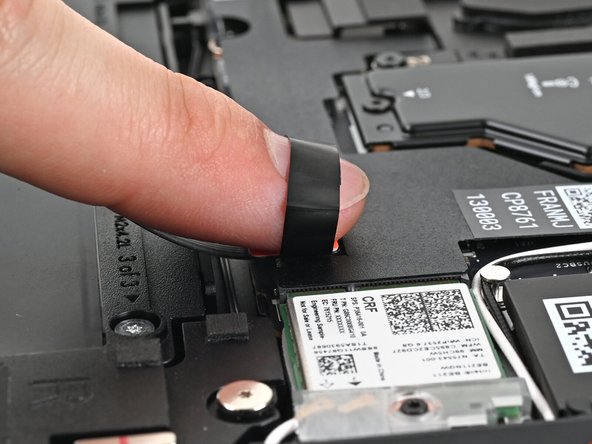
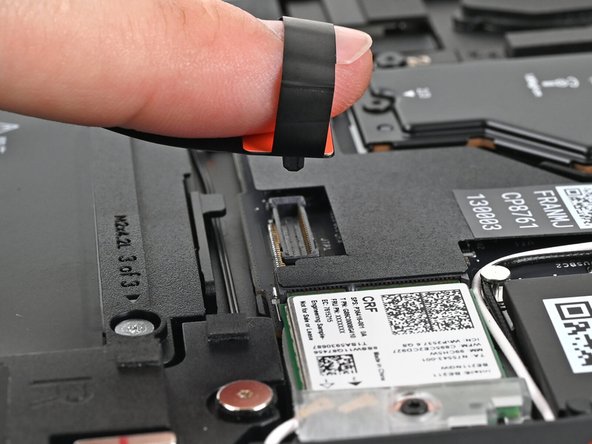
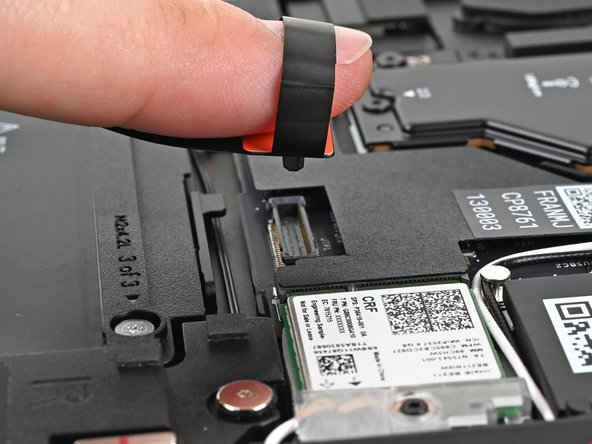
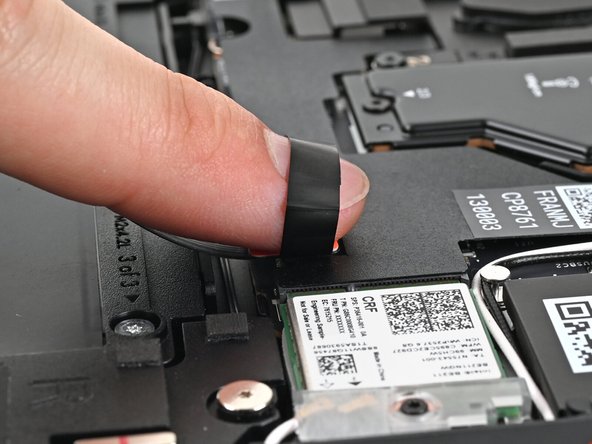
Insert your finger into the Touchpad Cable press connector loop.
-
Lift up to disconnect the Touchpad Cable from the Mainboard.
-
-
-
Remove the Input Cover.
-
-
-
Congratulations on completing disassembly! The remaining steps will show how to reassemble your Framework Laptop.
-
-
-
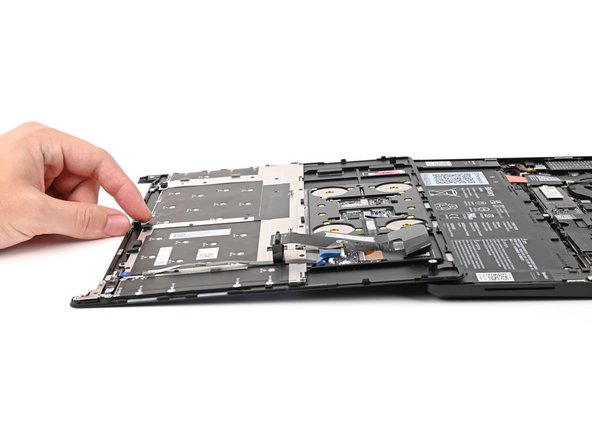
Position the Input Cover, Keyboard down, on top of the laptop so it just covers the Battery.
-
This allows the Touchpad Cable to be folded over and reconnected without straining it.
-
-
-
Insert your finger into the Touchpad Cable press connector loop.
-
Align the press connector over its socket and press down with your finger.
-
You should hear it "click" into place. If you're having trouble, reposition it and try again. Don't try to force the connector into place.
-
-
-
Flip the Input Cover over the laptop and align the bottom edges.
-
-
-
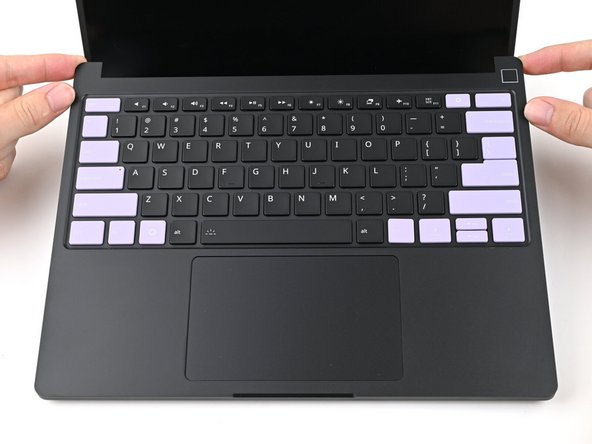
Lay the Input Cover over the laptop and let the magnets snap it into place.
-
The bottom right corner of the Input Cover won't sit flush with the laptop until you tighten its screws.
-
-
-
Close the laptop and flip it over.
-
-
-
Use your Framework Screwdriver to tighten the five captive T5 Torx screws securing the Input Cover.
-
Don't overtighten the screws—just make sure they're snug.
-

You finished fixing your Framework Laptop!
Take your e-waste to an R2 or e-Stewards certified recycler.
If you need help, contact Framework support.
You finished fixing your Framework Laptop!
Take your e-waste to an R2 or e-Stewards certified recycler.
If you need help, contact Framework support.

