Introduction
Congratulations on getting the Framework Laptop 13 Pro Pre-built Edition! Follow this quick start guide to get your laptop set up and running in just a few minutes.
If you got the Framework Laptop 13 Pro DIY Edition, follow this Quick Start guide instead.
-
-
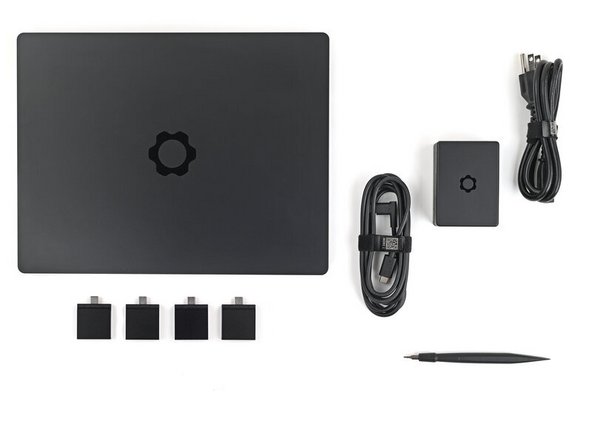
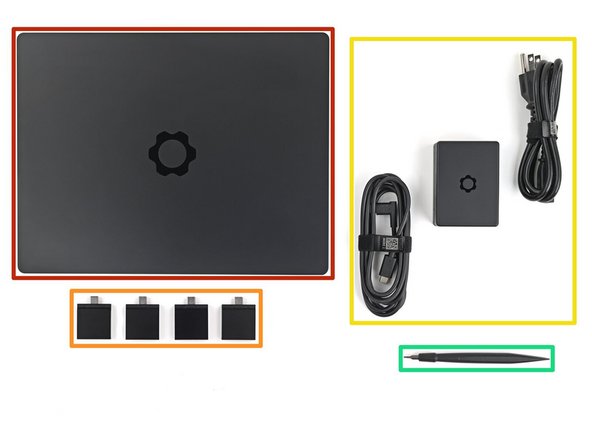
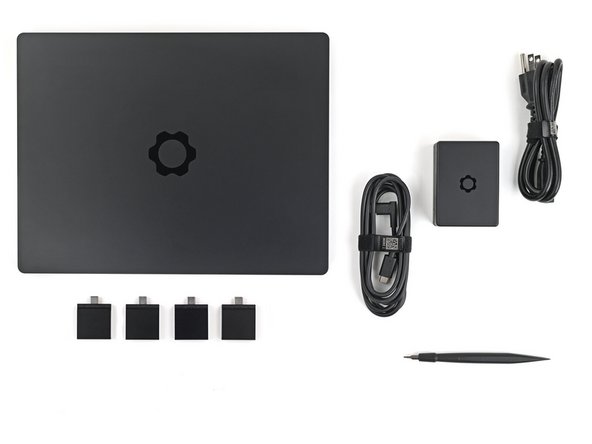
Unbox your Framework Laptop and make sure you've received the following items:
-
Framework Laptop Chassis with pre-installed Bezel, Memory, Storage, and Input Cover.
-
Expansion Cards
-
Power Adapter
-
Framework Screwdriver
-
-
-
For Expansion Card compatibility, check here.
-
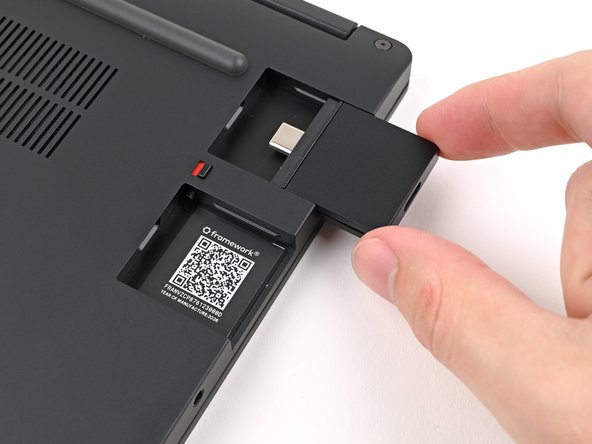
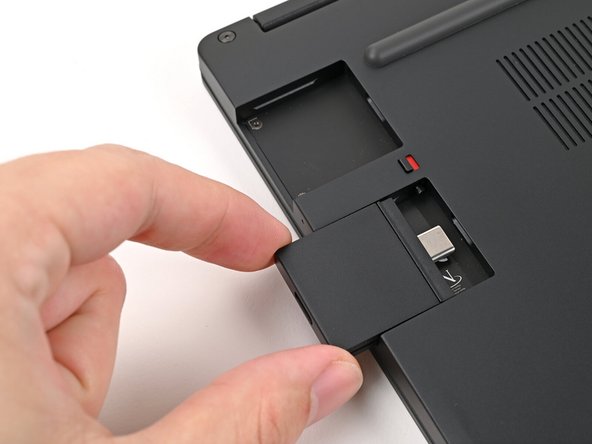
Slide an Expansion Card into an Expansion Card slot.
-
You don't need to unlock the latch to install the Expansion Cards—only when you want to remove them.
-
The Expansion Cards should click into place, and the front edge should be flush with the laptop.
-
Repeat for the remaining Expansion Cards along that edge.
-
-
-
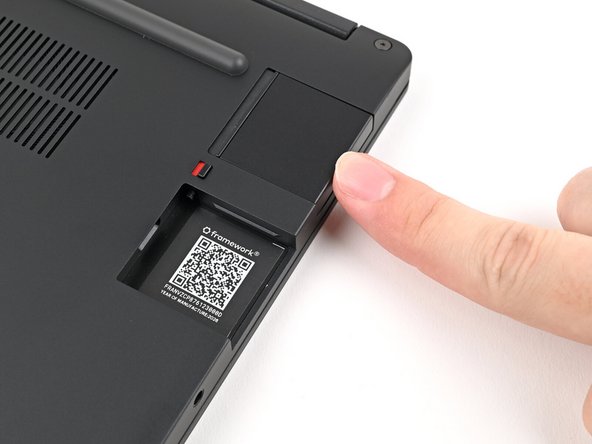
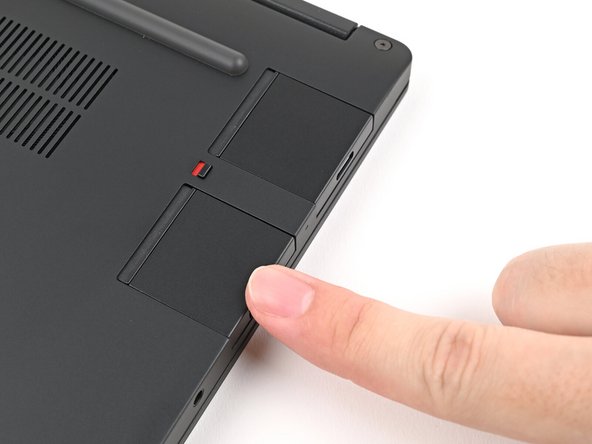
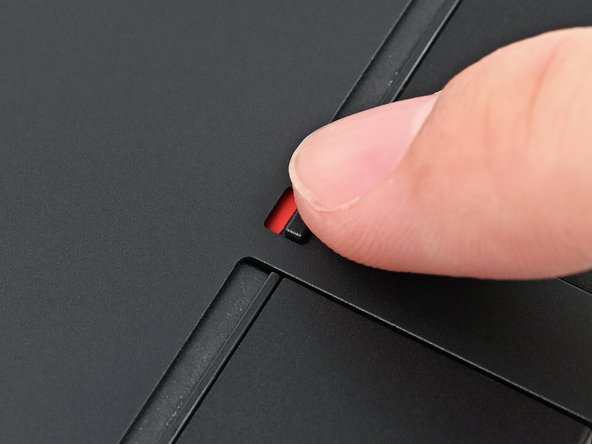
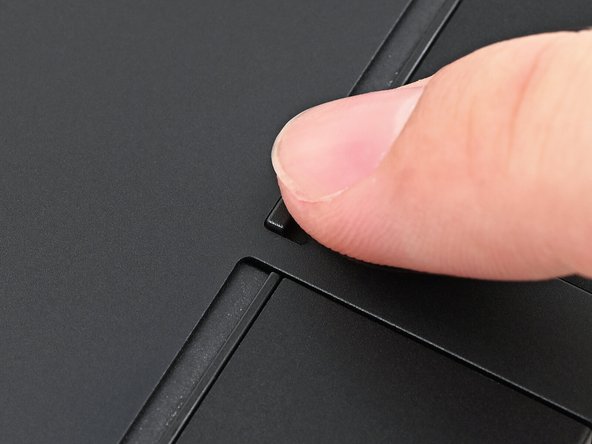
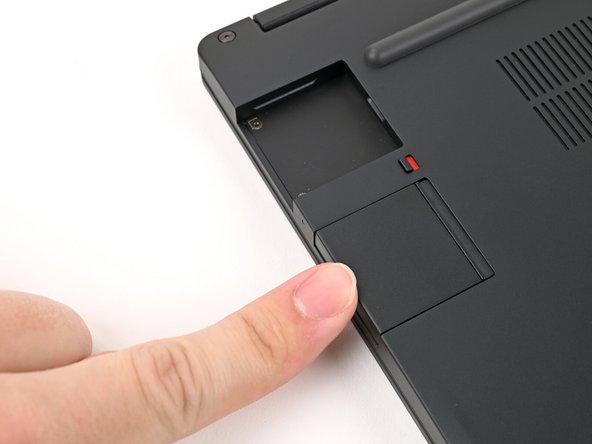
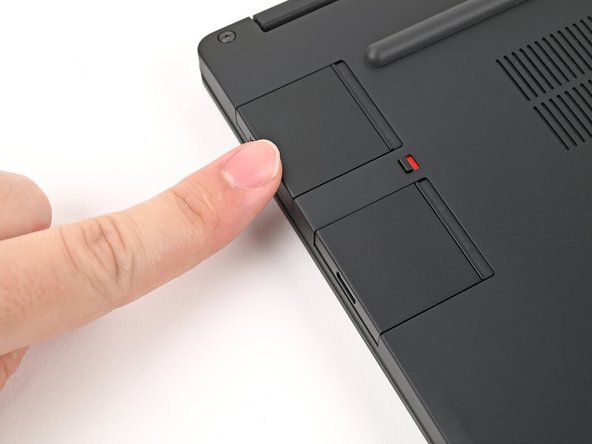
If there's a red bar showing under the Expansion Card latch, use your finger to flip the latch and lock the row of Expansion Cards above it.
-
Locking an Expansion Card helps keep it in place when you unplug cables from it.
-
-
-
Repeat the previous two steps for the other row of Expansion Cards.
-
-
-
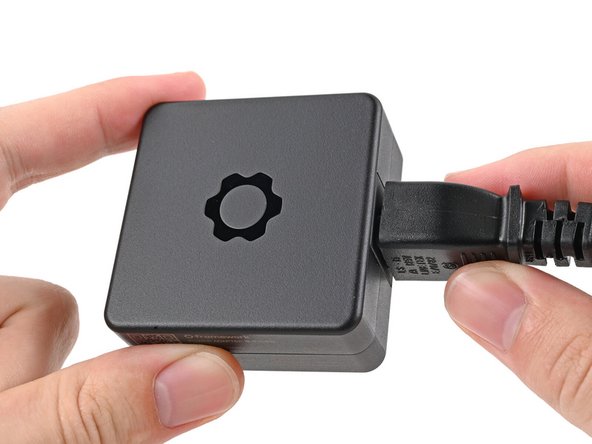
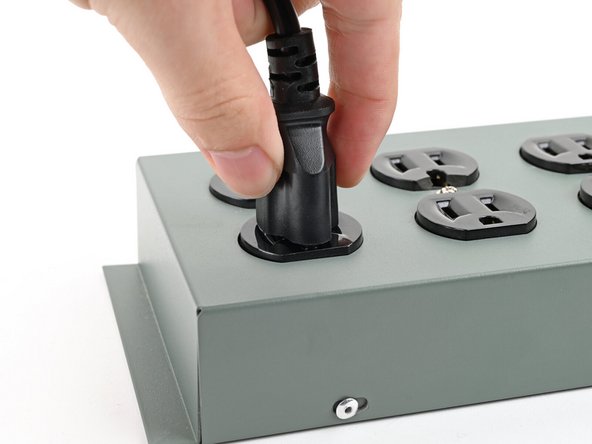
Plug the AC Cable into the Power Adapter.
-
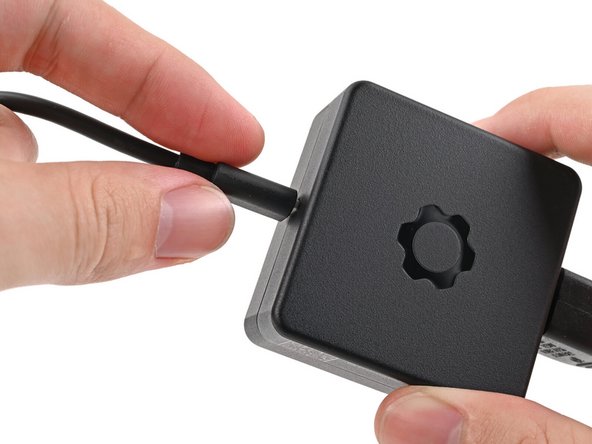
Plug the USB-C Cable into the Power Adapter.
-
You can plug either end of the USB-C cable into the adapter.
-
Plug the AC Cable into a power outlet.
-
-
-
Your Framework Laptop ships in shipping mode, where the Battery is disabled until you plug the laptop in for the first time.
-
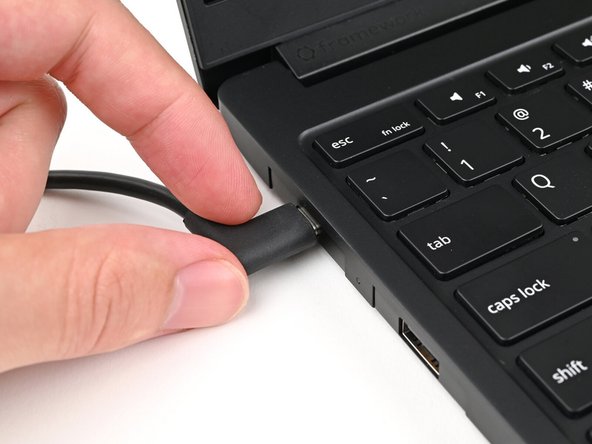
Plug the USB-C Cable into any USB-C port on your laptop.
-
-
-
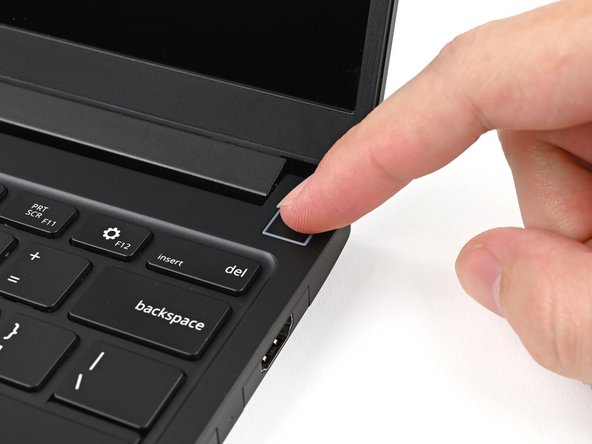
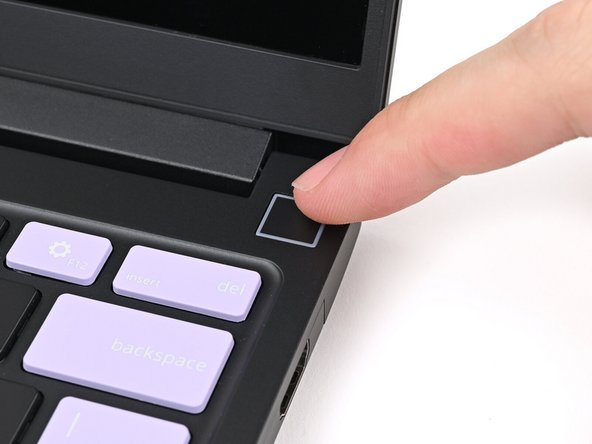
Your Framework Laptop is ready for use! Open the lid and press the power button at the top right corner of the Laptop.
-
The first boot will take longer and start with a “Memory Training in Progress” screen.
-
For drivers, firmware, and software updates, check out this page.
-
For drivers, firmware, and software updates, check out this page.
If you need help, contact Framework support.
For drivers, firmware, and software updates, check out this page.
If you need help, contact Framework support.

